
About the Project
The Mini Spectrometer project aims to make absorbance and fluorescence spectroscopy:
- Accessible
- Portable
- Interactive
We have designed two versions of our sepctrometer.
The first is aimed at measurement science education and is controlled through Python running on a computer (we use a Jupyter notebook). The spectrometer can be integrated with analysis routines to mesh learning in practical physical measurements and data analysis.
The second is controlled via an app running on an iPhone or iPad (connected through Bluetooth) for a user friendly accessible experience. This system is ideal for making optical absorbance and fluorescence measurements in the field.
Get in touch
If you would like more information about the project or support with the app, please contact Nick Brooks in the Department of Chemistry at Imperial College London: n.brooks@imperial.ac.uk.
iPhone and iPad app instructions
Details of how to use the iPhone / iPad app for making absorbance and fluorescence with the Mini Spectrometer 2.
- All
- Setup
- Absorbance
- Fluorescence

Turning on
Setup

Overview
Setup
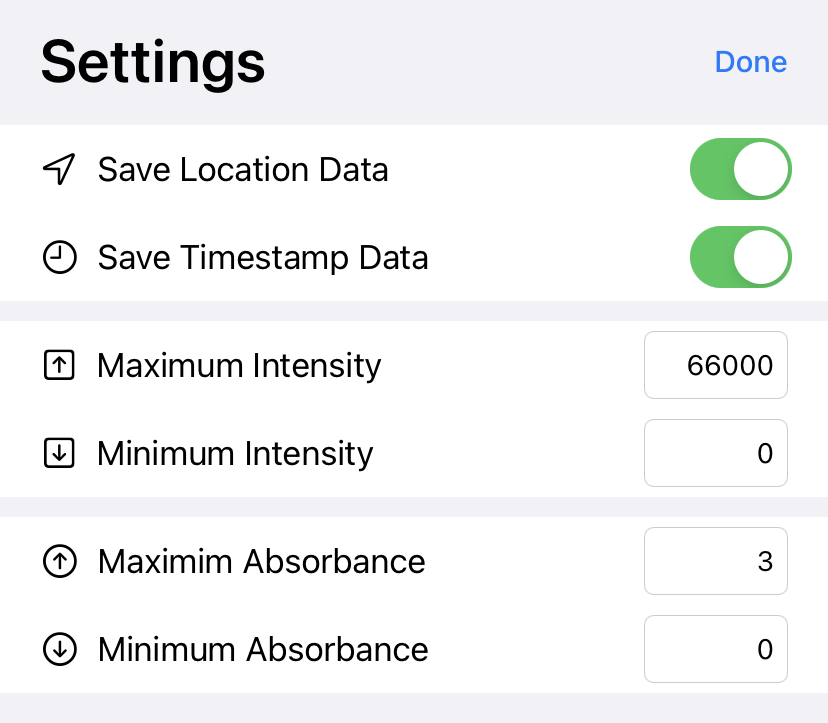
Settings
Setup

Making an absorbance measurement
Absorbance
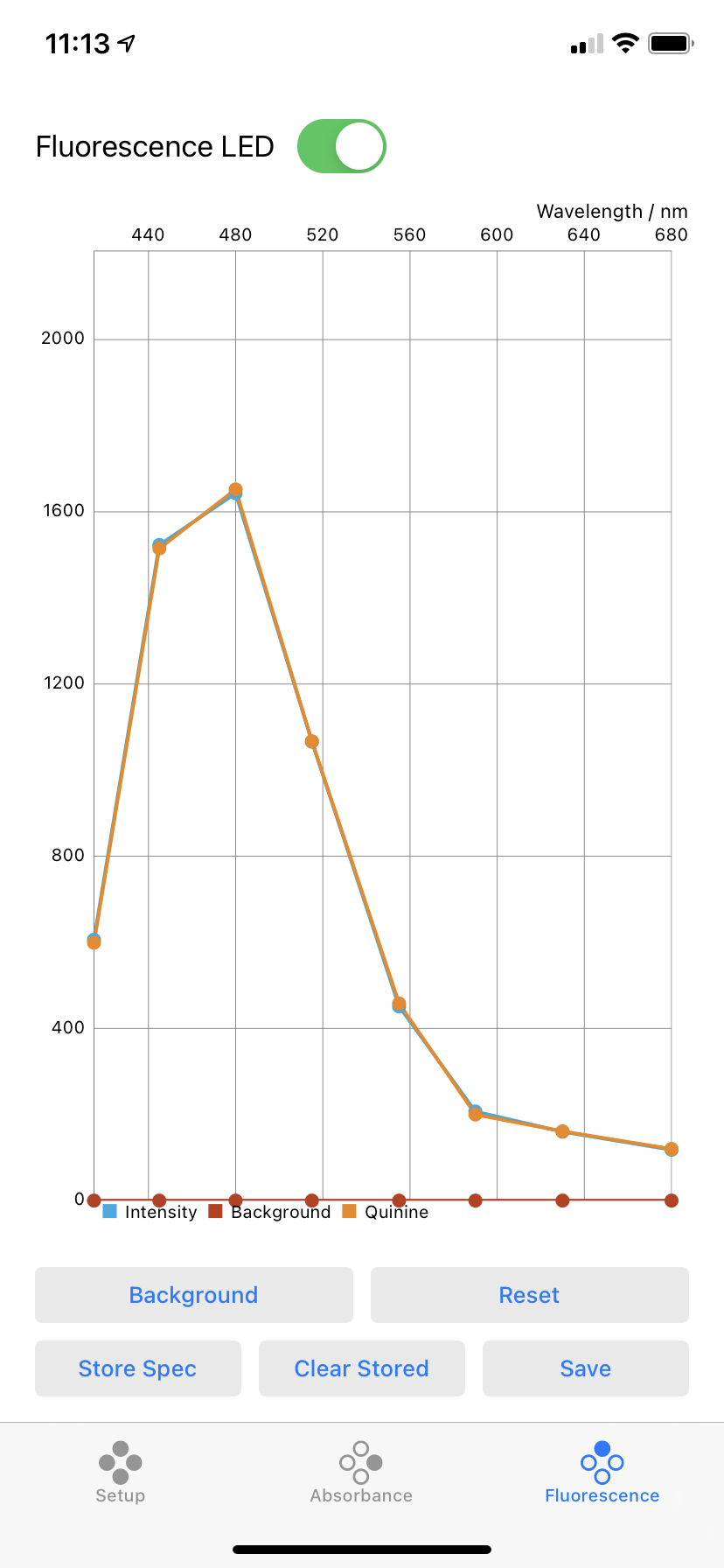
Making a fluorescence measurement
Fluorescence

Saving data
Setup
Frequently Asked Questions
-
Can I connect to more than one spectrometer?
Each iPhone or iPad can only connect to one spectrometer at a time.
-
Can I have more than one spectrometer running near each other?
Yes, you can have as many spectrometers running as you like, but each one will need to be connected to a separate iPhone or iPad.
-
How do I know which spectrometer my iPhone / iPad will connect to?
The first time you launch the app, it will search for the nearest available spectrometer and connect to it. The next time you open the app, it will connect to the spectrometer that was perviously connected if it is in range. If it can't see the last spectrometer that was connected, it will connect to the closest available spectrometer.