Saving data
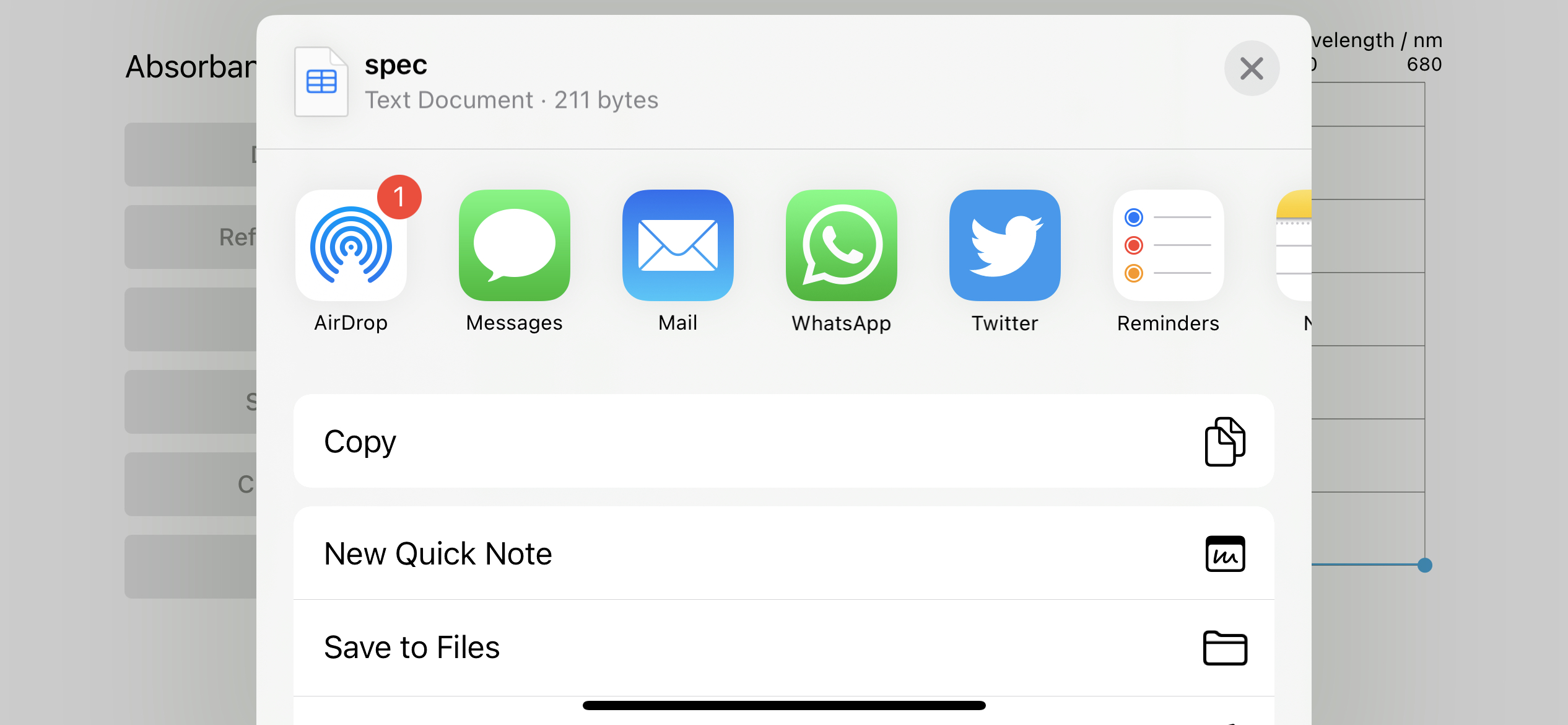
When you use the ‘Save’ button to save your stored absorbance or fluorescence spectra, you will see a screen where you can export your data using the in-built iOS / iPadOS sharing tools (e.g. send by email, message, WhatsApp, save to iCloud drive). Note that the current live spectrum will not be saved, only the data you have stored.
The data is saved in standard csv format for importing into any graphing or analysis package.